
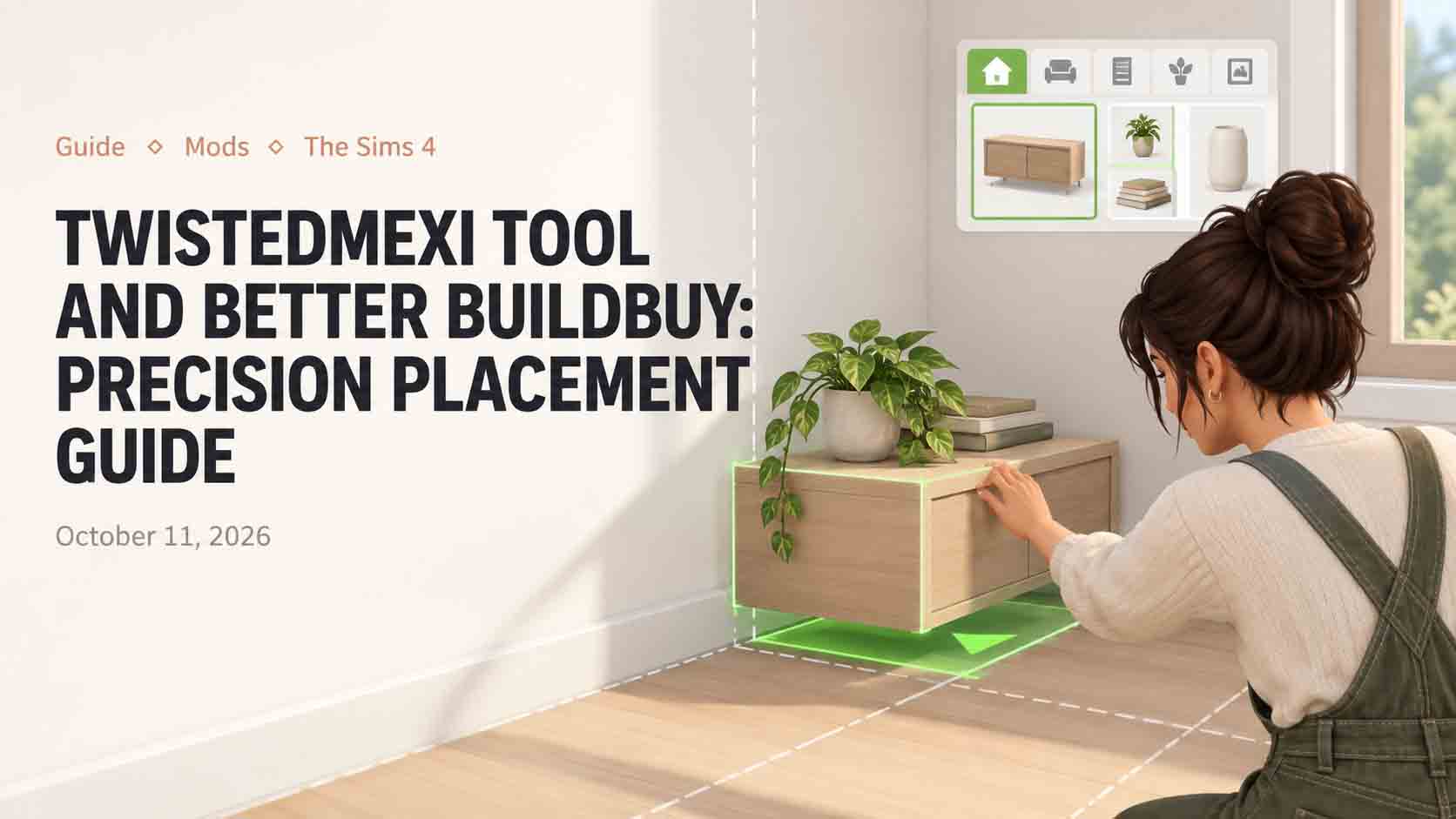
Building with TwistedMexi TOOL mod controls reworks build mode from a rigid grid puzzle into an open 3D workspace. For years, builders struggled against lot boundaries, locked object rotations, and clumsy height controls that ruined custom patio arrangements. While the move objects cheat provides basic freedom, it never allows you to tilt a bicycle against a fence or place a streetlamp beyond sidewalk borders. In my Newcrest city square project, I relied on TOOL alongside Better BuildBuy to build an open-air farmer market that spills into surrounding public terrain.
Setting Up Better BuildBuy Filters and Organized Debug
Before touching complex coordinates, pairing TOOL with TwistedMexi Better BuildBuy mod proves necessary. The official catalog buries thousands of environmental debug assets under miles of unsearchable clutter icons. Better BuildBuy fixes this by categorizing debug objects into ordinary catalog filters, complete with search bars, color tags, and organized swatch thumbnails.
Activating the organized debug toggle allowed me to locate historical street cobblestones, rustic wooden market stalls, and ambient fruit crates within seconds. On top of that, the mod incorporates a free camera toggle inside buy mode, letting you drop down to eye level while arranging tabletop clutter instead of fighting the top-down architectural camera angle.
Enabling deletion and duplication shortcuts
Better BuildBuy introduces quality shortcuts that speed up landscaping projects. Holding down shift while clicking existing objects lets you duplicate assets instantly, preserving exact rotation angles and surface heights. If you accidentally place an off-lot prop in an unreachable void, the mod provides an undo hotkey that prevents permanent map corruption.
My builder Sim spent hours styling a flower boutique stall, dressed in cozy casual wear with S-CLUB straight buns while testing customer walk paths. The expanded catalog filters remove the headaches that made building in base game lots feel restrictive.
TwistedMexi TOOL Mod Rotation and Coordinate Controls
TOOL stands for Takes Object Off Lot, and its interface operates via simple hotkeys. Pressing shift and clicking any object in live mode opens the TOOL radial menu, presenting options to Move, Raise, Rotate, and Scale. Rather than dragging items with your mouse, you adjust assets using precise numerical increments along the X, Y, and Z axes.
Raising objects allows you to place hanging floral baskets at custom ceiling heights without needing invisible wall shelves. In my market square, I raised strings of bistro patio lights across two separate building rooftops, creating an overhead canopy that base game tools could never accommodate.
Off-lot placement and neighborhood landscaping
The defining capability of the mod is placing objects beyond your lot boundaries. Standard builds feel isolated because the immediate sidewalk outside your property line remains barren. Using TOOL, I pushed decorative cobblestone planters, wooden public benches, and vintage trash receptacles onto neighborhood walking paths.
Townies treat these off-lot assets as functional world objects. Sims sit on the relocated benches to read newspapers, jog past custom lampposts, and gather around outdoor chess tables placed beside neighborhood rivers. It bridges the visual gap between residential parcels and surrounding world scenery.
Scaling objects and crafting miniature details
Scaling through standard build mode keys (the bracket keys) produces drastic size jumps that frequently make items look cartoonish. TOOL replaces those rigid increments with decimal scale adjustments. Setting an object scale to zero point seventy-five or zero point eighty produces subtle sizing that fits proportional room dimensions.
In my marketplace stalls, I scaled down oversized potted shrubs to create delicate tabletop herb planters. I also scaled down base game garden statues to craft custom chess set pieces resting atop stone tables. Being able to scale down clutter props allows you to nestle small items onto crowded display cases without the meshes protruding through glass shelves.
Surface snapping and custom clutter tilt
Rotating objects along the vertical axis unlocks charming environmental storytelling. I tilted an old acoustic guitar against a brick wall at an authentic fifteen-degree lean, while dropping open books onto park grass as though dropped by lounging students. Objects maintain their custom angles even when you reload your save file or travel to community venues.
Managing Off-Lot Limits and Pathfinding Boundaries
While placing assets outside your property lines opens vast possibilities, builders must respect world routing boundaries. Community worlds contain invisible routing planes where Sims can navigate freely, along with decorative water channels and background cliff faces that lack foot navigation meshes. If you place a functional vendor stall or cafe table onto non-routable terrain, Sims wave their hands in distress and throw routing failure bubbles.
To avoid pathfinding headaches, I always test off-lot arrangements in live mode by commanding a Sim to walk directly past each placed prop. If a pedestrian Sim stumbles or resets to the nearest sidewalk curb, nudging the asset two increments closer to public pathways restores clean walking flow.
Performance Overhead and Save File Stability
Manipulating hundreds of off-lot coordinates raises fair questions regarding game stability. In my testing across three play sessions, having sixty modified props placed on public terrain created no noticeable frame rate drops on modern hardware. The scripts run smoothly without throwing continuous script errors in the background.
One precaution involves major game updates. When EA patches The Sims 4, UI scripts frequently break, causing TOOL menus to vanish temporarily until TwistedMexi pushes hotfixes. Backing up your tray folder and save files before updating ensures your off-lot placements remain intact.
TwistedMexi has engineered an essential suite for anyone who takes building seriously. By stripping away artificial lot borders and offering surgical placement control, TOOL gives builders the architectural autonomy they always deserved.