A letter from the mailbox
Jay Hair Review: A Detailed Sims 4 CC Guide
- To
- your Sims
- Updated
- 11 Sep 2026
A letter from the mailbox
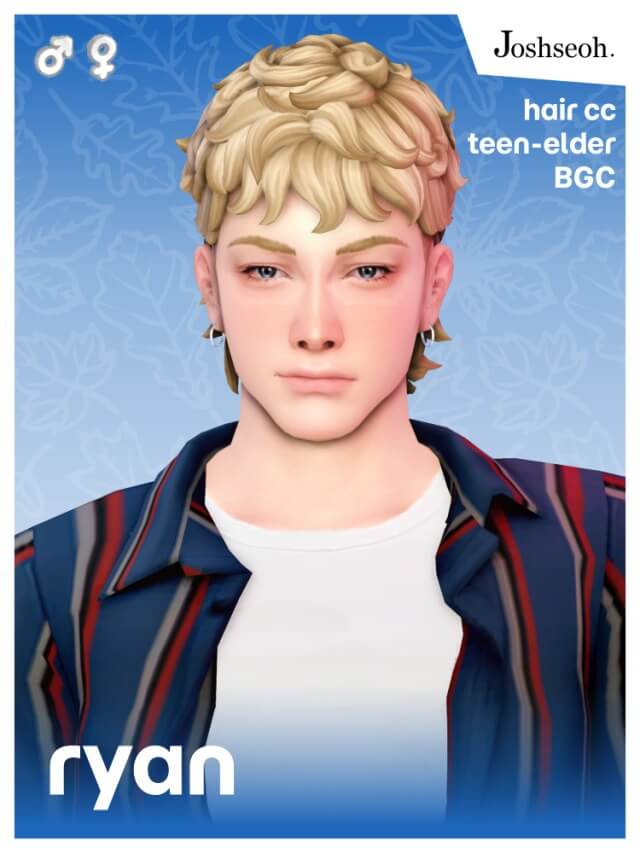
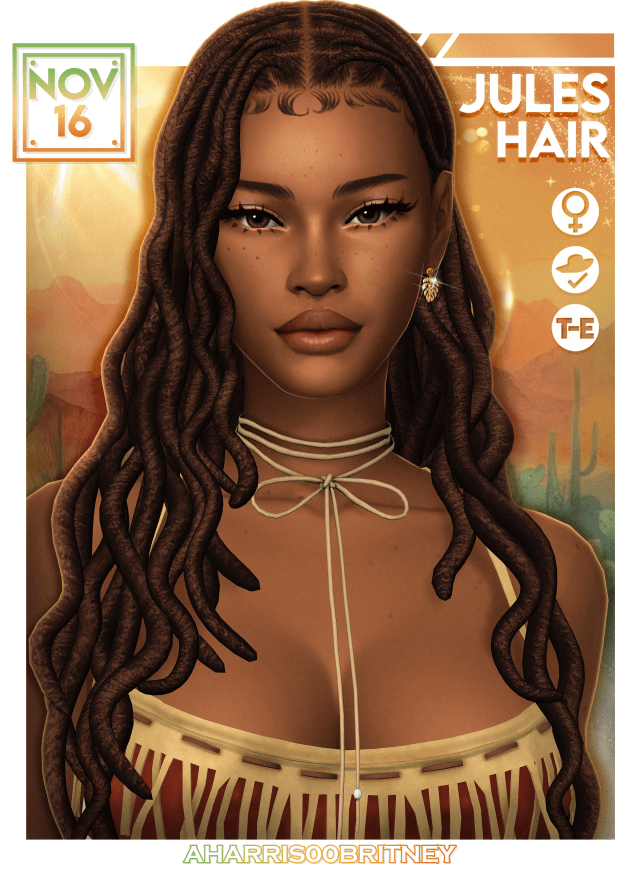
The revamped Jay Hair brings a versatile, textured mid-length cut to The Sims 4 custom content landscape. Built with layered locks that frame the face naturally, this hairstyle balances casual ease with crisp visual definition. It avoids the flat, chunky aesthetic that often weighs down older custom hairs. Instead, individual strands separate cleanly around the temples and crown, creating authentic movement without excessive visual noise.
Technical mesh efficiency stands out as a major strength here. Coming in at approximately 9,000 polygons, Jay Hair delivers impressive surface depth while staying well within standard gameplay performance boundaries. The creator includes all Level of Detail (LOD) states and full diffuse, specular, and bump maps. As your camera zooms back across large neighborhood lots, the silhouette maintains its intended contours without turning into an unsightly block of polygons. That level of optimization keeps frame rates stable during busy household gatherings.
The hair flows naturally around the ears and nape of the neck, resting flush against the upper back without hovering unnaturally. When Sims engage in dynamic social interactions or turn their heads rapidly, the hair mesh stays anchored cleanly to the head rig. There are no sudden vertex explosions or awkward stretching artifacts, ensuring that your screenshots remain crisp during live gameplay sessions.
Many custom hairs look striking on feminine frames but pinch or distort awkwardly when equipped on masculine Sims. Jay Hair solves that recurring frustration by offering two distinct versions tailored to masculine and feminine head rigs. The masculine version widens slightly along the jawline and brow, accommodating broader bone structures without collar clipping. The feminine cut narrows softly around the cheekbones for a tailored silhouette.
Having dedicated frame variants makes the hair especially valuable for rotational family gameplay. Siblings, partners, or parent-child pairs can share the hairstyle without it feeling like an ill-fitting port. In Create a Sim, both options load quickly and align with default head geometry. The hairline positioning looks natural on both frames, avoiding the excessively high or pushed-back foreheads common in poorly adapted conversions.
A reliable hairstyle needs broad color variety to fit diverse neighborhood casts, and Jay Hair covers that requirement with 24 distinct swatches.
The 24 swatches encompass standard natural tones alongside vibrant fantasy options. Deep raven blacks, chocolate browns, warm chestnuts, and crisp platinums all preserve rich highlight gradations. Under indoor lighting, highlights follow the natural curve of the scalp rather than looking painted on. Lighter blondes and reds maintain clean contrast between highlights and lowlights, preventing the washed-out look that plagues poorly textured CC.
When styling in CAS, the haircut transitions seamlessly between casual everyday looks and formal ensembles. Pair it with layered streetwear, cozy sweaters like the SP83 Cardigan Edit, or sharp suits. The mid-length drape stays close to the neck, giving Sims an effortlessly cool aesthetic that works across multiple personality archetypes. It complements clean-shaven faces as well as rugged stubble or trimmed beards on masculine Sims without texture collision.
Hat compatibility remains one of the most neglected features in custom content hair creation. Jay Hair fully supports headwear. When you place beanies, fedoras, or sun hats on your Sim, the mesh adapts dynamically rather than slicing through the crown or disappearing entirely. Strands peek out under the brim naturally, making the hair fully functional across all four seasons.
This functional support extends to outdoor festivals, winter blizzards, and summer beach parties. Your Sims do not have to abandon their signature haircut whenever weather demands cold-weather headwear. That reliability elevates Jay Hair above decorative CAS pieces that break down in everyday play. Whether your Sim is hitting the ski slopes in Mt. Komorebi or attending a festival in San Myshuno, headwear integration remains seamless.
Evaluating custom content requires looking at how assets perform inside live simulation mode over long play sessions across different game worlds.
Clocking in at 9k polygons, Jay Hair represents an ideal balance between detailed modeling and engine performance. Many alpha-style hairs push polygon counts past 40,000, creating noticeable micro-stutters whenever multiple characters gather on community lots. Jay Hair operates smoothly even on budget systems or modest gaming laptops. You can safely populate entire school classrooms, coffee shops, and wedding venues with Sims wearing this mesh without triggering lag.
The package file is base game compatible. You do not need secondary expansion packs or stuff pack requirements to enjoy full functionality. Simply drop the file into your Mods directory and the hair appears immediately under the proper CAS hair categories. Lighting behaves consistently across worlds, from the golden afternoon sun of Oasis Springs to the moody twilight of Forgotten Hollow.
Installation follows standard practice: place the downloaded package file into `Documents/Electronic Arts/The Sims 4/Mods`. Ensure custom content is toggled on inside Game Options under the Other tab. If thumbnails take a moment to generate after a game patch, clear your `localthumbcache.package` file from the main Sims 4 directory and restart. The game will rebuild fresh catalog icons on launch.
Because the hair is tagged correctly for both masculine and feminine tags, searching through CAS filters is painless. It sorts neatly into short-to-medium lengths, saving time during routine makeover sessions. The clean taxonomy ensures that Sims aging up naturally can access the hairstyle within their expected generational categories.
Jay Hair stands out as an exceptional everyday asset for players seeking polished, versatile hair options. The combination of dual gender versions, full hat compatibility, 24 rich swatches, and a lightweight 9k polygon count makes it a dependable addition to any CC folder. It avoids dramatic avant-garde styling in favor of practical, wearable charm.
While players who strictly prefer hyper-voluminous updos or floor-length styles will look elsewhere, those needing a go-to mid-length haircut will find endless utility here. Whether you are creating a college student, an active outdoor adventurer, or a relaxed professional, Jay Hair delivers reliable visual polish across every life stage from teen to elder. It is a well-crafted, functional addition to any modern Sims 4 mods folder.